
Software Updates
From HDD Locators and Utility Locators to Sewer Cameras and other pipe inspection tech, keeping the software up-to-date on all your underground locating equipment is essential. Follow the chart below for a complete breakdown of Subsite’s latest software versions.
Equipment | Equipment Type | Latest Version | Update Using |
|---|---|---|---|
Marksman™ Plus | HDD Locators | 2.3 | Update Instructions (PDF) |
Marksman | HDD Locators | 2.3 | Update Instructions (PDF) |
TK Recon™ Tracker & TD Recon / TDR Recon Display | HDD Locators | 19/22 | |
TK Series Tracker | HDD Locators | 18 | TK Updater (Windows) |
TD / TDR Display | HDD Locators | Old BT 22 – New BT 23 | TK Updater (Windows) |
Commander 7 IFM | HDD Locators | 8.9.23 | |
INT Commander 7 IFM | HDD Locators | 8.9.23 | |
Commander 7 Max | HDD Locators | 7.1.1 | |
INT Commander 7 | HDD Locators | 7.0/7.0 | |
17T (New Nose Cone) | HDD Locators | 3 | TK Updater (Windows) |
17T Series | HDD Locators | 118 | TK Updater (Windows) |
15T / 19T | HDD Locators | 1 | TK Updater (Windows) |
M17 / M17+ Beacons | HDD Locators | 2.2 | Marksman Tracker |
M15 / M15+ Beacons | HDD Locators | 2.2 | Marksman Tracker |
M10 | HDD Locators | 1.1 | Marksman Tracker |
Recon CAN BT122 | HDD Locators | 7.05 | |
UtiliGuard and UtiliGuard 2 | Utility Locators | 33.25 | |
AccuView Cam Receiver | Utility Locators | 33.25 | |
MyUtiliGuard App | Utility Locators | 1.0.1290 | Download (iOS Version 1.0.1290/Android Version 1.0.1291) |
UtiliGuard Transmitter | Utility Locators | 16.5 | Locator Configuration Utility (Windows) |
Locator Configuration Utility | Utility Locators | 40.1 | Locator Configuration Utility (Windows) |
UtiliView App | Utility Locators | 1.2.0 | |
Surveyor Mobile | Utility Locators | 1.4.4 | Android (Version 1.4.0) or Apple App Store (Version 1.4.4) |
Surveyor Pro | Utility Locators | 0.3.19 | Surveyor Pro |
ESSential Underground | Utility Locators | 0.4.10 | ESSential Underground |
Integrated Design | Others | For technical support, contact 1-800-846-2713. | |
TMS Plus | Others | Try out free for 30 days (Windows) | |
2450GR Software | Others | ||
2550GR Software | Others | ||
2550GPR Antenna IP Configuration | Others | ||
Find Your Nearest
Ditch Witch® Dealer
We’re backed by Ditch Witch. Which means you’re backed by Ditch Witch. Find your local dealer below.
Find Your DealerNews & Insights
Stay up-to-date on all the news from the world of Underground Locating Equipment.
More News 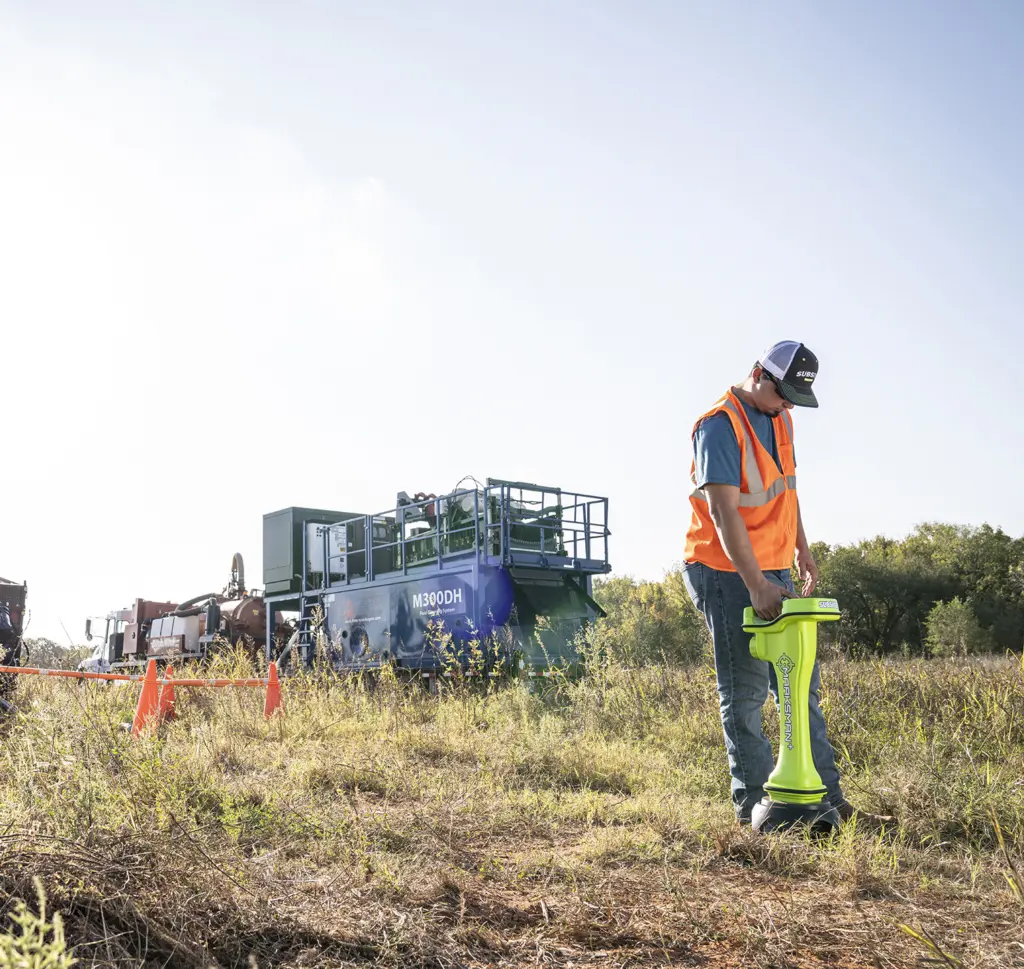
Unearthing Value – Leveraging Digital Mapping and Job Site Data for Compliance and Profitability
In the ever-changing landscape of underground construction, digital documentation has become an indispensable tool for underground professionals. From pre-drill planning
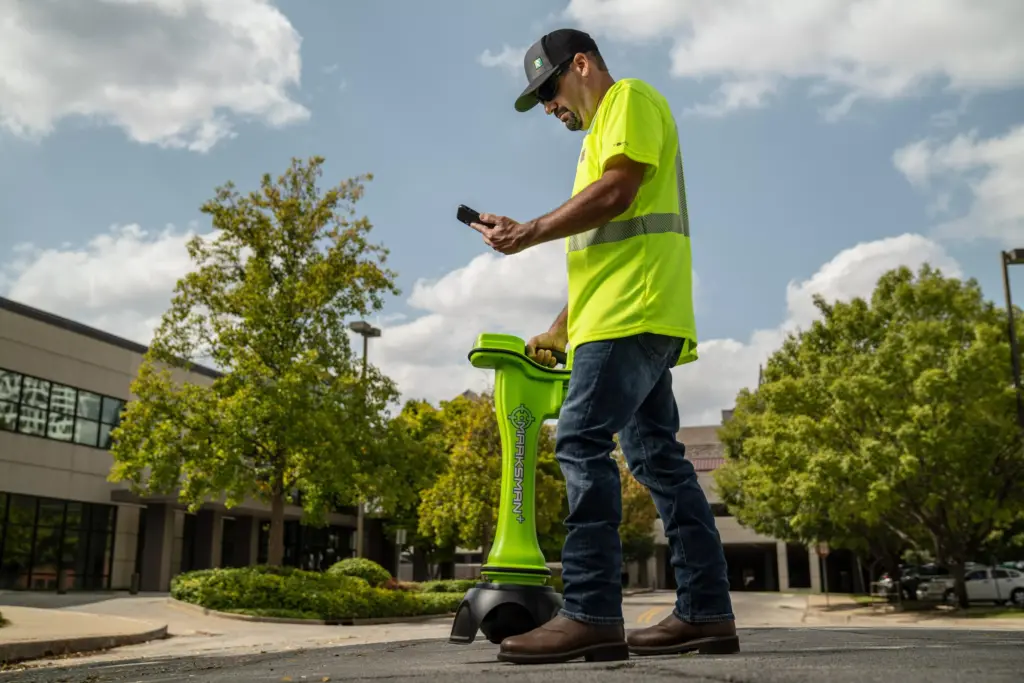
Mastering Marksman and Marksman+ Calibration: A Comprehensive Guide
Effective calibration of your Marksman or Marksman+ system is crucial for accurate and reliable underground construction. This guide provides a
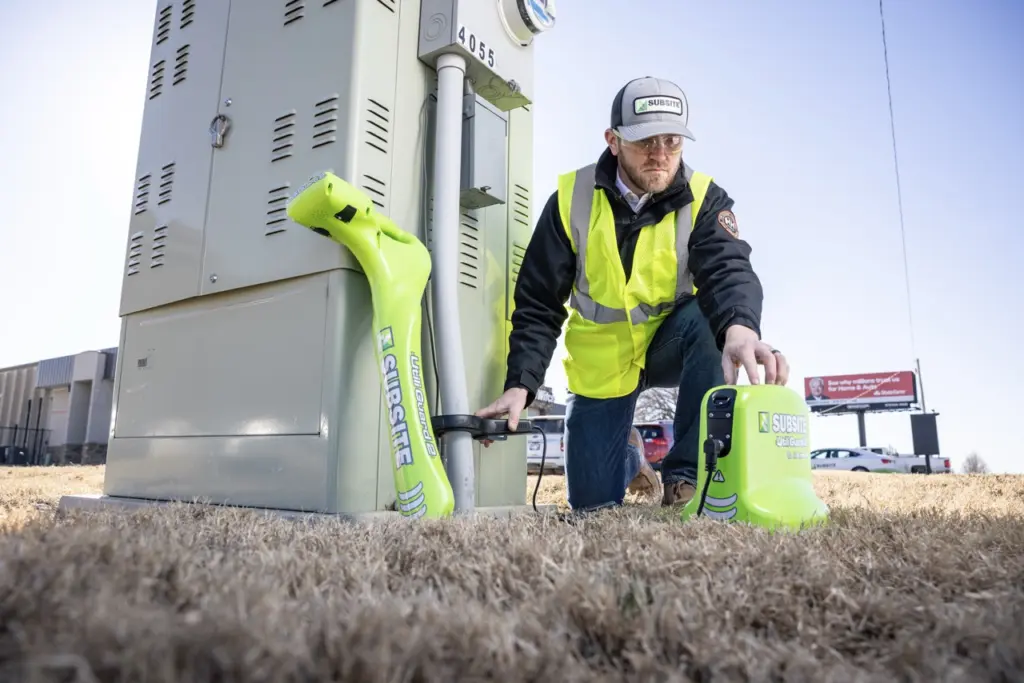
All About AIM (Ambient Interference Measurement)
In the world of utility locating and jobsite projects, managing interference is crucial for efficiency and accuracy. Traditional methods often